Configuration
Configuring the module is really easy.
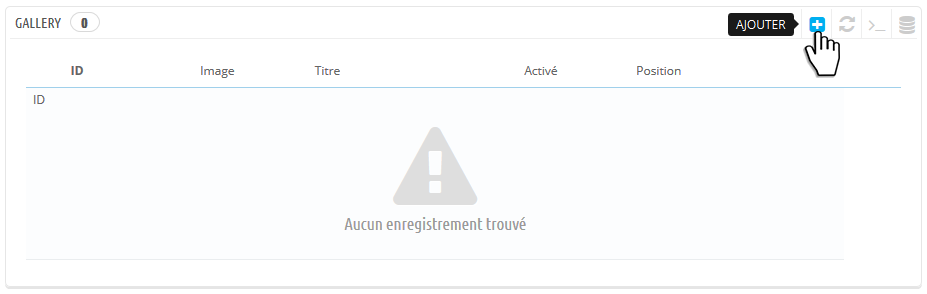
Once on the configuration page, you will see an empty table.
Click on Add
Configure your picture
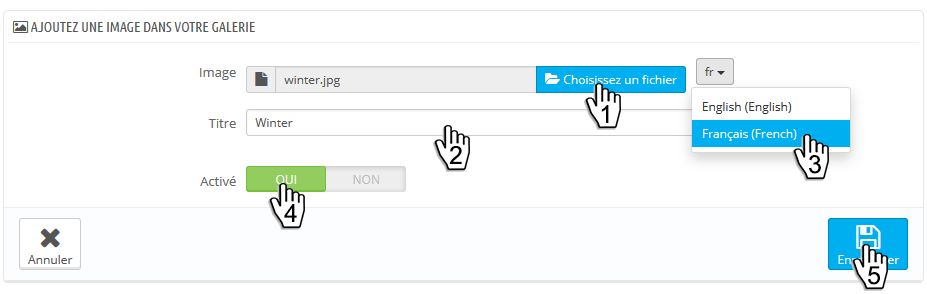
- Click on Choose a file to add a picture (step 1)
- Enter a title for your picture (step 2)
- If you want, change the language to enter a different picture and title (step 3)
- Enable or Disable the picture (step 4)
- Save your modifications (step 5)
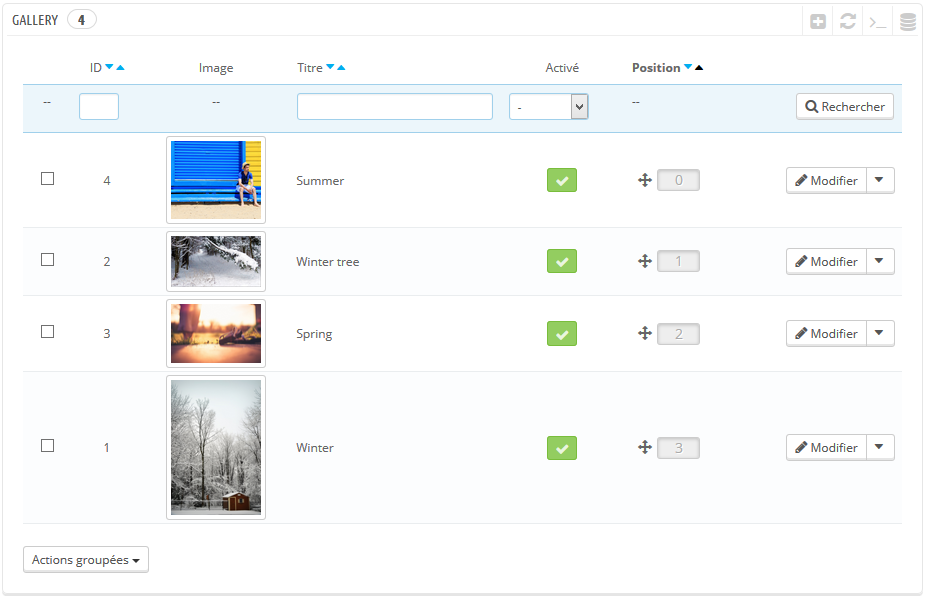
After adding some pictures, the table will look like this
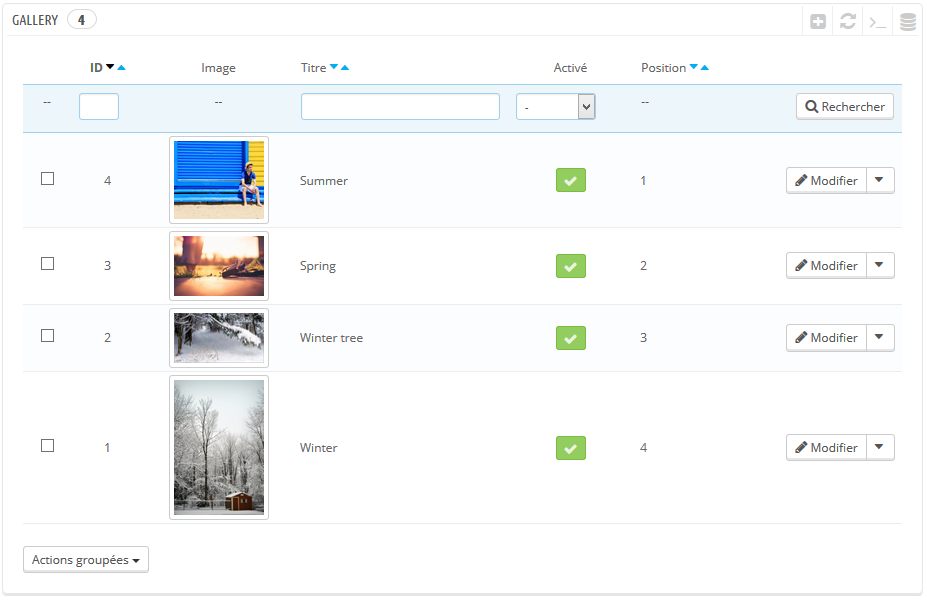
You can modify each picture by clicking on Modify
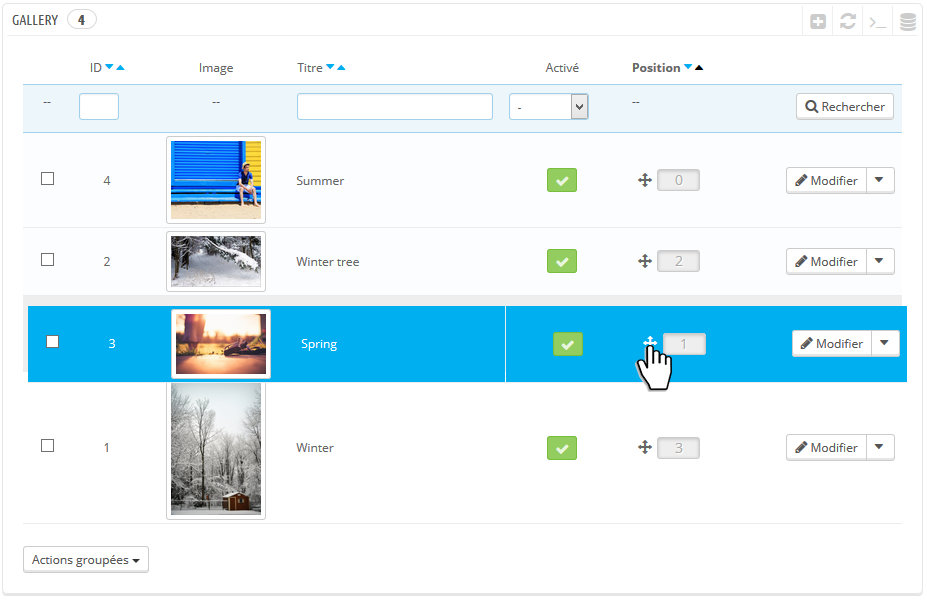
You can also change the position of the pictures
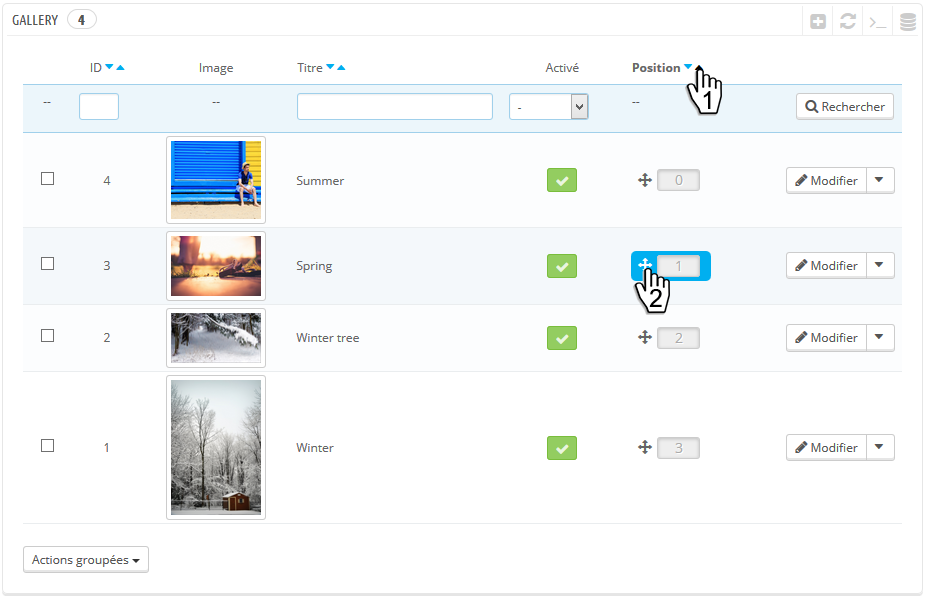
- First, sort the pictures by position (step 1)
- Then drag the picture you want and drop it where you want (step 2)